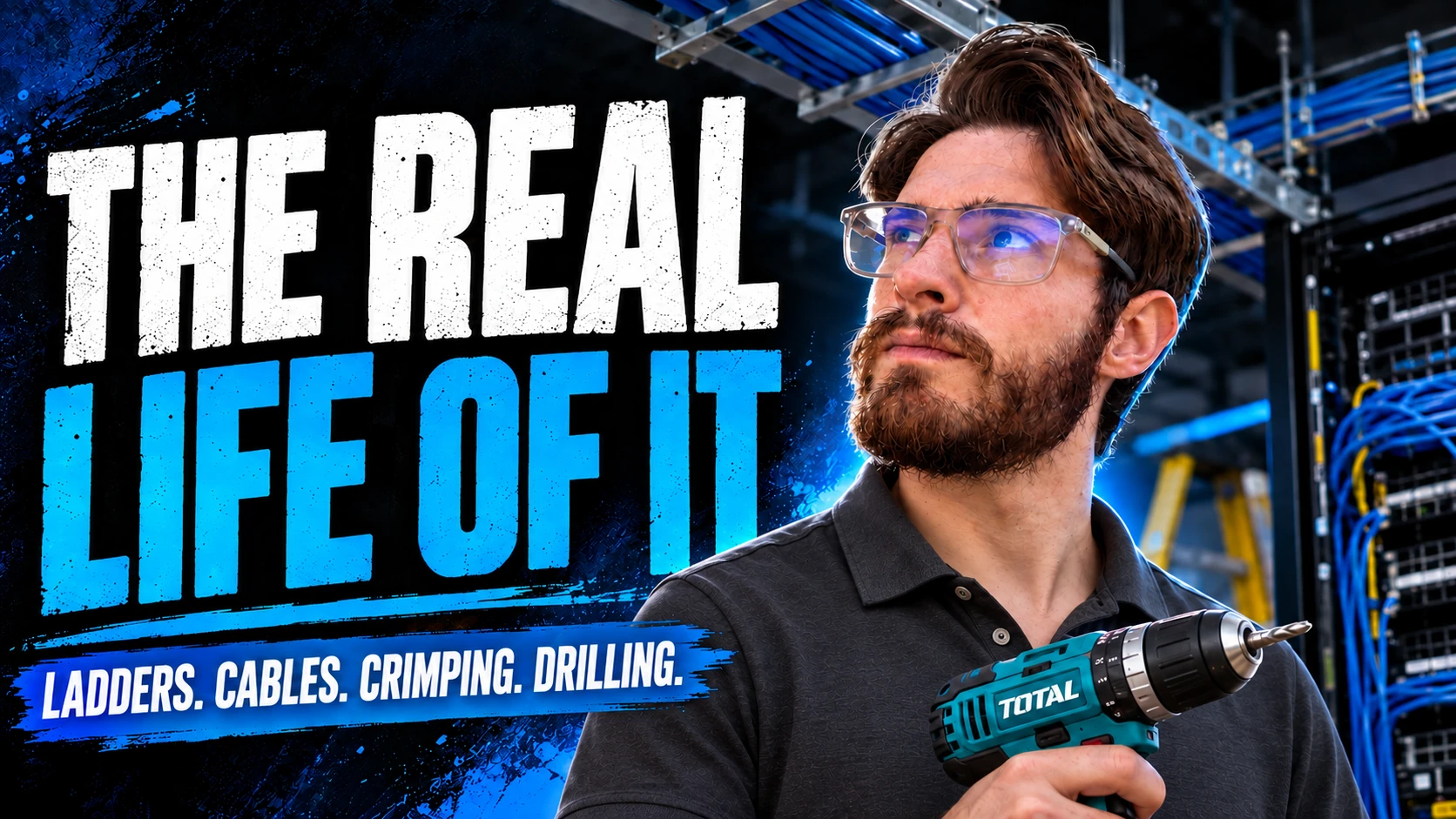
Cover artwork: AI-generated illustration using my photo as a reference.
Beyond the screen
It’s not just fixing computers
Some days I spend more time carrying ladders, drilling holes and pulling cables than I do sitting behind a keyboard. That is part of working in managed IT too.
When people hear that I work in IT, they usually picture someone behind a desk: a few monitors, a keyboard, perhaps a printer that refuses to cooperate. I understand why. From the outside, that is often the part of the job people see.
My experience has looked very different. Managed IT has taken me into factories, schools, farms, warehouses, retail stores, accounting firms, medical practices and workshops. It has taken me into server rooms, roof spaces and places where the first thing I need is a ladder rather than a laptop.
I have configured networks and supported business software. I have also pulled cable, crimped connectors, mounted cameras, installed access points and worked with a drill in my hand. The physical work deserves a place in the conversation about this career.
This is the side of IT I want people to understand: the work it takes to build a connection, keep a business running and help someone get back to their job.
Before you can configure it, someone has to build it
A camera does not appear on a wall because its settings are correct. A wireless access point does not attach itself to a ceiling. A network socket does not become useful until there is a working cable behind it.
Behind those devices is physical work: working out a route, pulling cable through a building, drilling mounting holes, preparing connections and getting equipment into place. The final result might look simple. Building it is a different experience.
In my own work, I have crawled through roof spaces, carried networking equipment, mounted CCTV cameras, installed wireless access points and built server cabinets. Some days end with dust on my clothes and tools to pack away before I can leave.
I have even had clients laugh when I arrive carrying a drill. “The IT guy has a drill today?” Absolutely. The drill belongs in the same story as the keyboard.
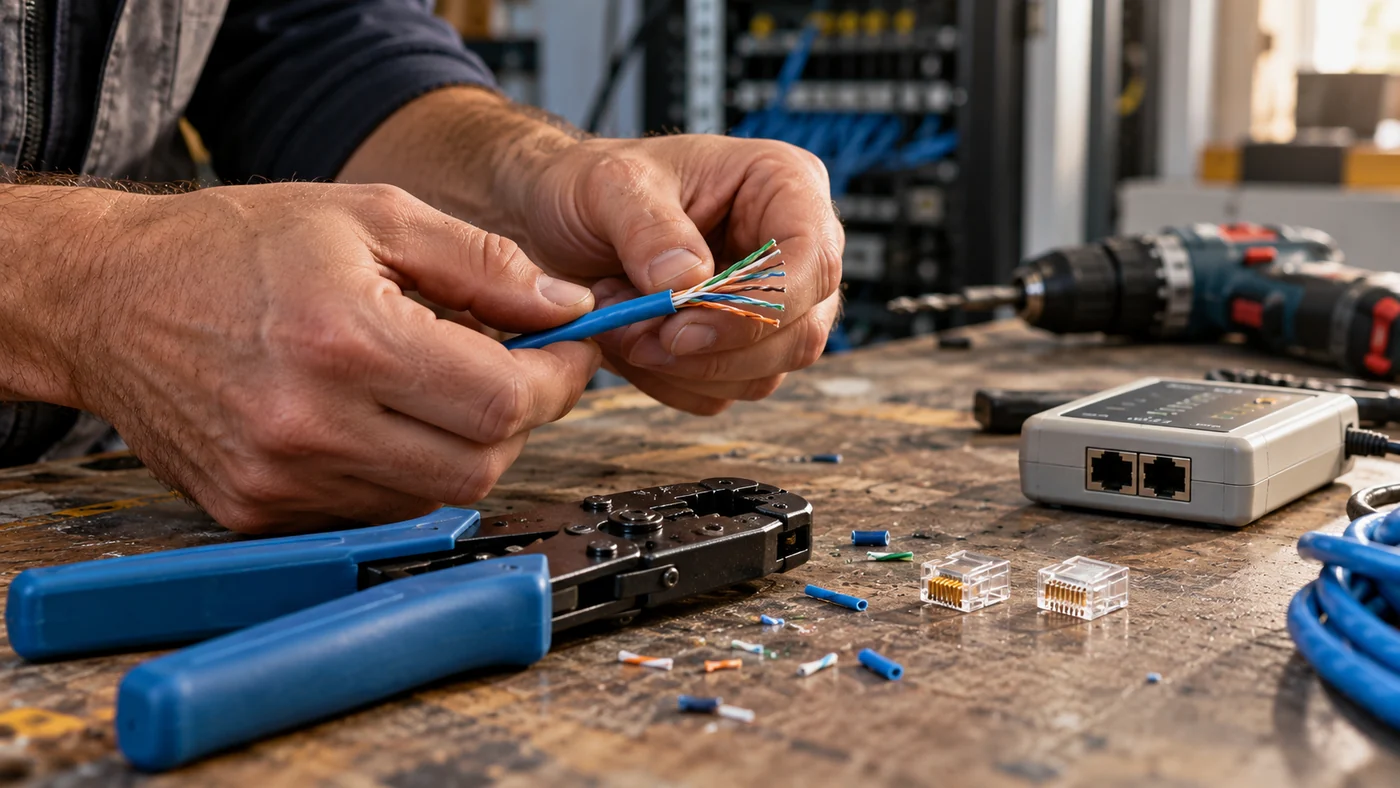
Pulling a cable gets it to the right place. Preparing and crimping the connector gives it an end that can be used. Mounting the device gives it a home. Testing tells you whether the connection you have built actually works. Each part deserves care.
Pull the cable
Find the path through the building and get the connection where it needs to go.
Prepare the ends
Strip, terminate, crimp and label. Small details carry through to the finished result.
Mount the equipment
Drills, fixings, cabinets, cameras and access points are part of the working toolkit.
Test the result
A device being in place is a start. The connection still needs to do its job.
“Technology doesn’t magically install itself.”
Anthony Roux · The reality of working in managed IT
No two days ever look the same
One of my favourite things about working in managed IT is the variety. One morning I might be troubleshooting Microsoft 365 because a client’s email has stopped working. Later I could be configuring a firewall or installing cameras.
Another day might involve replacing storage in a workstation, diagnosing failing hardware or setting up networking equipment. Then there are the problems that demand hours of patient investigation, such as a DNS issue affecting an entire business.
A managed service provider, often shortened to MSP, supports technology for its clients on an ongoing basis. In practice, the mix of work depends on the services the provider offers and the environment each client operates.
The businesses I have worked in do not all use technology in the same way. A school, a farm, a warehouse and an accounting firm have different working days and different priorities. Understanding those differences changes how you approach the job.
That variety can be demanding. It also keeps the work interesting. Every environment gives you another reason to look carefully, ask questions and learn.
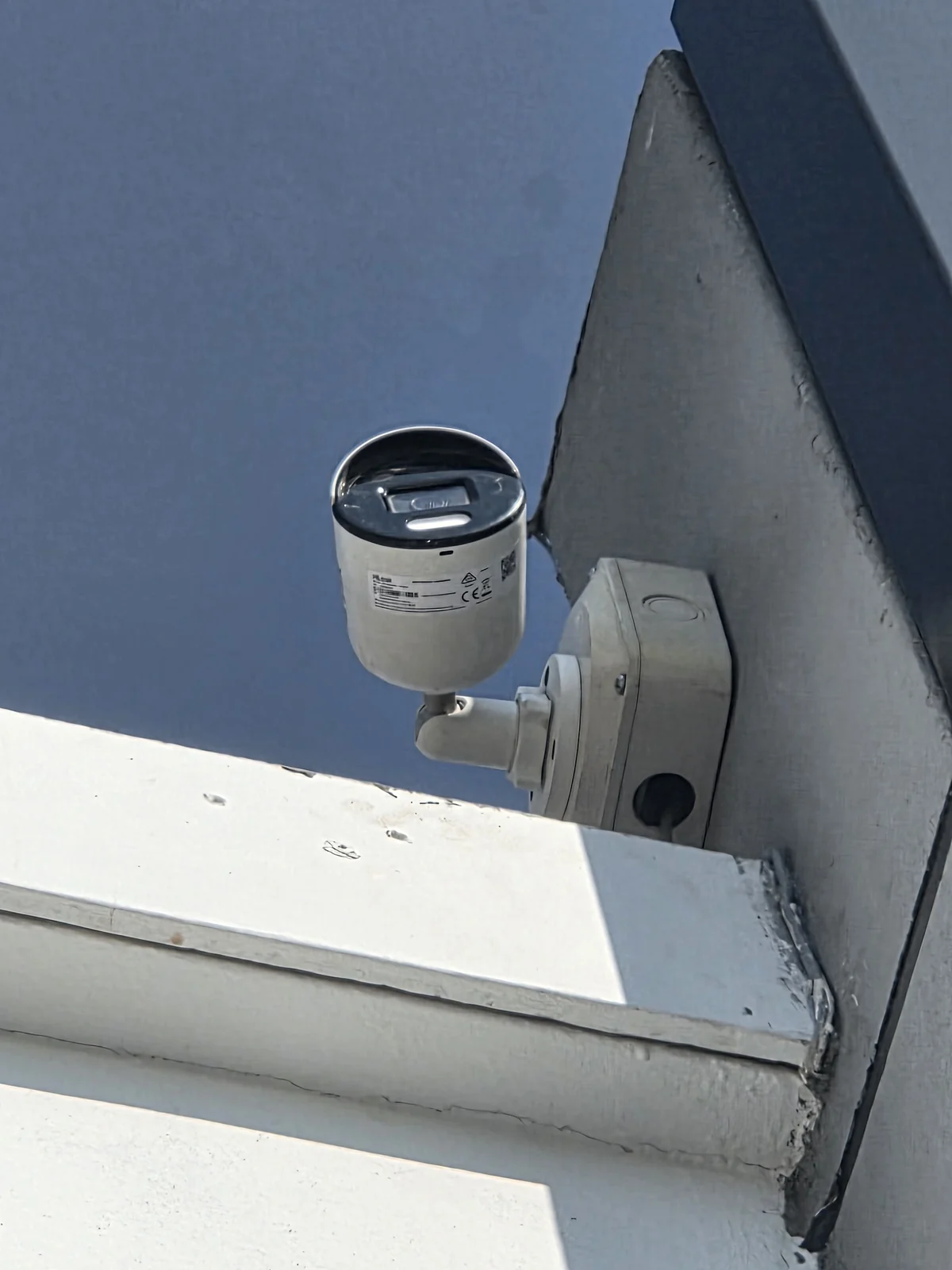
From my field-photo collection
The work has a physical home
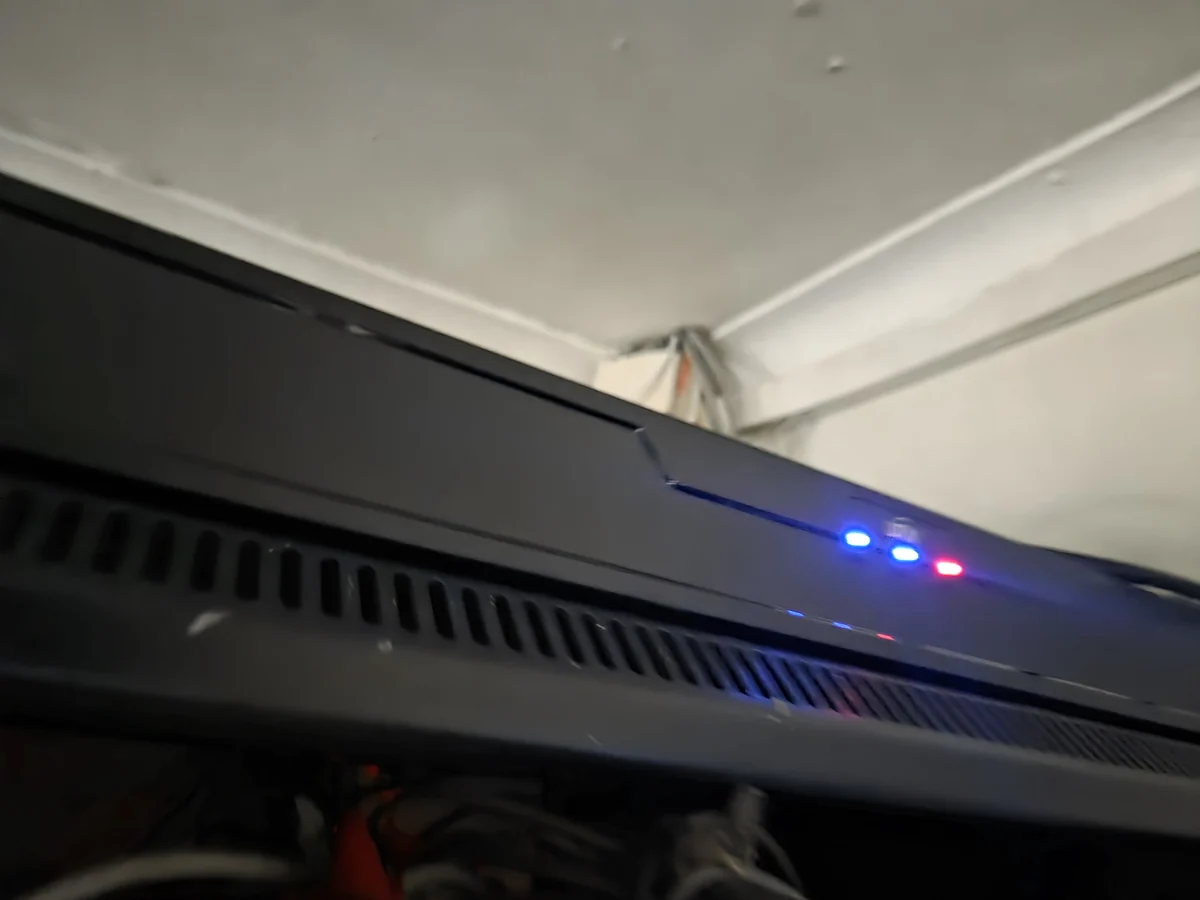
A camera above a roofline. A cabinet with equipment and connections behind it. These are some of the everyday objects behind the services people use.
The years behind a ten-minute fix
Clients usually see the solution. They do not see every earlier attempt that taught you how to reach it.
Earlier in my career, I spent days troubleshooting DNS issues that I can now often recognise much more quickly. The problem did not become easier simply because time passed. My understanding changed through working on it.
A failed attempt can teach you where to look next. A difficult job can change the questions you ask. The hours spent reading documentation become knowledge you bring to the next environment.
When a fix takes ten minutes, those ten minutes may contain years of learning. That is part of the value of experience: knowing which evidence matters, which assumptions need checking and when to stop guessing.
The visible clicks are only part of that process. Behind them may be logs to review, connectivity to test, firmware compatibility to check and vendor documentation to read. Sometimes PowerShell or a configuration change is involved. Sometimes the most useful tool is a clear record of what happened before the problem began.
Behind the visible fix
- UnderstandWhat is affected, and what changed?
- InvestigateFollow the evidence and check assumptions.
- ResolveApply the change that addresses the cause.
- VerifyConfirm the result and document it.
An illustrative sequence. Real troubleshooting often loops back as new evidence appears.
The goal is a working result you can explain and verify. Being quick is useful when it comes from understanding.
Communication is part of the technical work
When I first got into IT, I thought technology would always be the hardest challenge. Experience taught me how much of the job depends on working well with people.
Every client communicates differently. Every business has its own expectations. A person who cannot send email may need a straightforward explanation and an idea of what happens next. A manager may need to understand who is affected and how work can continue.
Learning to explain a technical problem without overwhelming someone is a skill. So is remaining calm when a system fails, listening before jumping to a solution and saying clearly when you are still investigating.
Communication builds trust because it helps people understand the situation. Technical knowledge matters, but the person waiting for help also needs to know that you have understood what they are trying to do.
The responsibility reaches beyond the device
When systems fail, employees may be unable to work. Sales can stop, communication can become difficult and normal operations can slow down. The fault in front of you is connected to people and their working day.
In the moment, getting the business moving again is often the immediate priority. Understanding why the failure happened matters too, especially if it could happen again. Both are part of supporting the environment properly.
That responsibility can be stressful. It is also rewarding. When everything starts working again, you have helped people continue with the work they came there to do.
You never stop learning
Managed IT teaches you humility. Just when you feel comfortable with an environment, something changes or a new problem arrives.
Over the years I have worked with Microsoft 365, networking, DNS, servers, wireless infrastructure, CCTV, storage, backup solutions, cloud platforms, business applications and firewalls. I am still learning. Some weeks that learning happens every day.
You cannot know every platform or every answer. What you can develop is the habit of investigating carefully, using reliable documentation and recognising when you need help from someone with deeper knowledge.
The physical and digital parts of the job both reward that approach. A setting may require research. A building may require a different installation plan. The next environment will not always match the last one.
For anyone considering this career, curiosity is a useful place to start. Be interested in how things work, why they fail and how your work affects the person using them.
How I think about experience
It’s like sailing a boat
You will always encounter waves. Some are small; some are much bigger. Experience does not stop them from coming. It teaches you how to navigate through them.
Eventually, you become the person helping someone else through a challenge you have already faced. That is one of the most useful things experience gives you: a better way to find the next answer.
Why this work means so much to me
I enjoy this industry because it keeps challenging me. Different clients and difficult problems have shaped how I think about technology and how I work with people.
There is satisfaction in building something physical that becomes useful: getting a connection into place, mounting the equipment and seeing it work. There is also satisfaction in understanding a fault that was not obvious and helping a business get going again.
Working across so many environments has shown me how broad this career can be. It can involve ladders and tools, careful configuration, research, teaching, planning and patient conversations. Those parts belong together.
If you are considering IT, I hope this gives you a fuller picture of the work. If you already do it, perhaps you recognise the dusty clothes, the long investigation or the relief when a difficult problem finally makes sense.
And if you are a business owner, I hope it helps explain some of the work behind the systems you depend on. The ten-minute fix and the working Wi-Fi are often the visible result of much more.
Pause and reflect
Where do you see yourself in this work?
These prompts come from my Managed IT reflection worksheet. Open each one and make a few notes. There are no right scores or perfect answers; the value is in seeing what you want to develop.
Download Worksheet #005 — The Reality of Working in Managed IT (PDF) ↓
A five-page reflection worksheet covering your skills, career direction and the work behind the technology.
What did you think an IT professional does all day?
Write down your original picture of the job. Then note which part of this article changed it: the physical work, communication, business responsibility, documentation or ongoing learning. What would you like to understand better?
Which skill would make the biggest difference for you?
Think about communication, problem solving, patience, documentation, networking, Microsoft 365, security, time management and learning. Choose one area and one realistic step you can take to improve it. You can also use my IT professional self-audit for a broader review.
What did a difficult problem teach you?
Describe a problem you faced, the approach you tried and what you learnt. What would you do differently next time? If you are still working on it, what evidence would help you choose the next step?
What “waves” are you facing now?
Think about a current challenge and how it could become useful experience. Where would you like to be in twelve months, three years and five years? Choose a small next action that moves you in that direction.
My seven-day challenge: notice the technology you use—Wi-Fi, email, cameras, printers and cloud storage—and ask, “Who keeps this running?” Pay attention to the work you normally never see.
The IT professional behind it all
Working in managed IT can mean climbing a ladder one day and troubleshooting a server the next. It can mean drilling, crimping, planning, researching and explaining. It also means learning how to do those things well enough that somebody else can depend on the result.
That is what makes the career meaningful to me. I get to build, solve, learn and help people do their jobs.
Behind a business where the technology “just works”, there is often someone quietly making sure it does.
Which part of the job do people most often overlook? Find me on LinkedIn and share your experience. I would be interested to hear what working in IT looks like in your world.
Continue exploring
More lessons from the work
A practical self-audit for your knowledge, habits and development.
Why I usually recommend IP cameras, and what matters in the environment.
Practical resources to turn the earlier articles into useful reviews.
The video side of the story
Watch the Full Video
Prefer listening to the topic being explained? Watch the companion video where I share the practical reality of working in IT and the parts of the job people do not always see.